
MusicPal
Move playlists to Apple Music

- 100,000+
- Music lovers using MusicPal
- 100,000,000+
- Songs migrated to Apple Music
- 4.9 ★
- App Store rating (4,407)
7 platforms → Apple Music
Your playlists come with you.
Paste a playlist link or scan a QR code. MusicPal matches tracks from seven music services, brings them into Apple Music, and lets you inspect every match score.
 Spotify
 Netease Cloud Music
 QQ Music
 Kugou Music
 Kuwo Music
 Bodian Music
 Qishui Music
 Apple Music
Supported playlist transfer routes to Apple Music
- Spotifyplaylists to Apple Music
- Netease Cloud Musicplaylists to Apple Music
- QQ Musicplaylists to Apple Music
- Kugou Musicplaylists to Apple Music
- Kuwo Musicplaylists to Apple Music
- Bodian Musicplaylists to Apple Music
- Qishui Musicplaylists to Apple Music
Import in a tap
Paste a playlist link or scan its QR code.
Control the match
Choose default, low-score filtering, or precise matching.
Review the result
See successes and misses, then retry failed songs.
Clear from start to finish
See exactly what moved.
Choose how closely songs should match, organize in batches, and review your library.


After the transfer
More than a transfer.
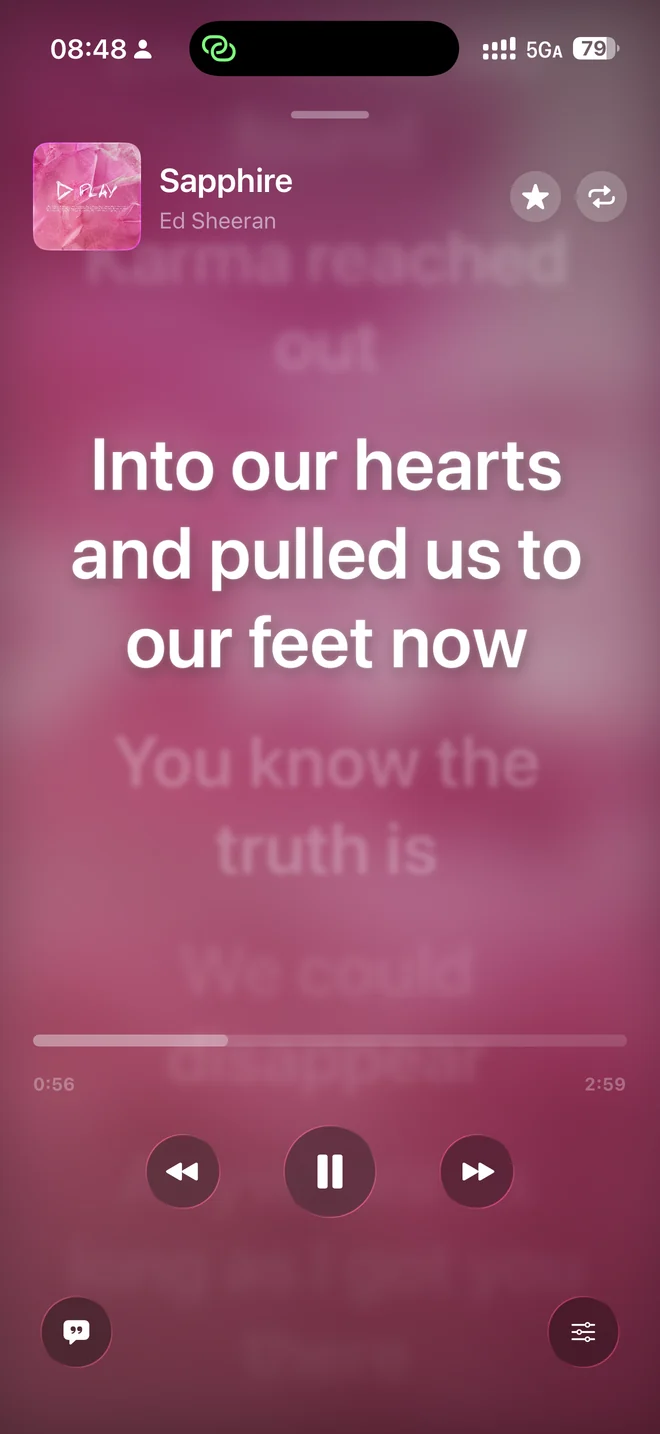
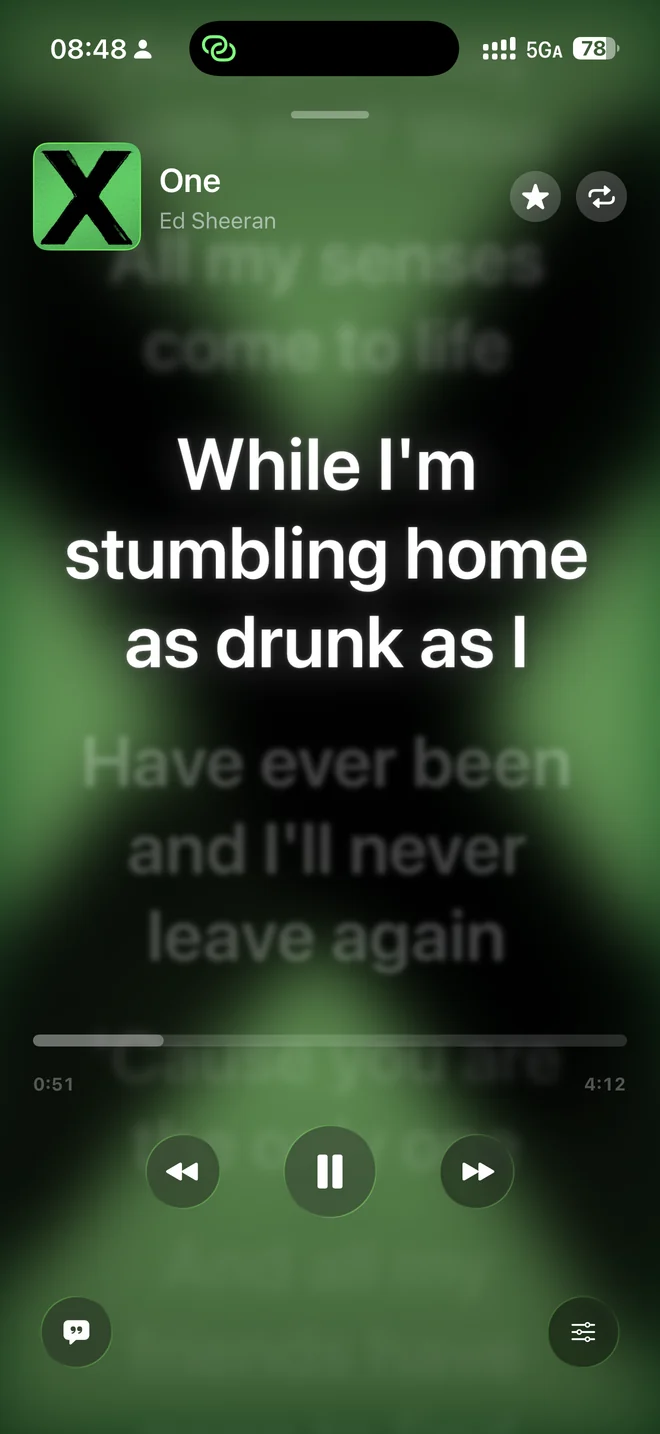
Manage your library, discover music, and follow word-by-word lyrics in one place.

Why MusicPal
MusicPal vs. rebuilding playlists manually.
Switching to Apple Music takes minutes instead of hours of searching song by song.
| What you need | Manual in Apple Music | With MusicPal |
|---|---|---|
| Source platforms | Switch back and forth between separate apps | 7 music services supported in one iOS app |
| Starting an import | Search and add every track one by one | Paste a playlist link or scan a QR code |
| Matching control | Judge every version and remix by hand | Adjustable minimum match score threshold |
| Result visibility | No record of skipped or missing tracks | Per-song status, matched track, and score log |
| Unsuccessful songs | Re-check the full list manually | Filter failed or low-score tracks and retry |
| After the import | Basic playlist editing only | Merge, deduplicate, batch edit, and synced lyrics |
FAQ
Common questions.
Which music platforms can MusicPal transfer playlists from?
MusicPal supports transferring playlists from seven music services into Apple Music: Spotify, Netease Cloud Music, QQ Music, Kugou Music, Kuwo Music, Bodian Music, and Qishui Music. You can start an import by pasting a playlist link or scanning its QR code.
Is MusicPal free, and does it require an Apple Music subscription?
MusicPal offers a Free tier to get started, with optional Pro access available via a weekly subscription or a one-time lifetime purchase. An active Apple Music subscription is required for core features such as importing and syncing playlists to your library.
How does match scoring and failed-track retry work?
MusicPal scores title and artist similarity against Apple Music and compares each match with your chosen minimum match score. Every import saves a detailed log showing successful, duplicate, low-score, skipped, and failed tracks so you can inspect results and retry unsuccessful songs. Tracks unavailable or unlicensed in your Apple Music region cannot be imported.
What else can MusicPal do after migrating playlists?
Beyond playlist transfer, MusicPal helps you merge playlists, remove duplicates, manage songs in batches, explore personalized recommendations and listening memories, follow word-by-word synced lyrics with translations, save high-resolution or animated artwork (as Live Photos where supported), and create shareable music cards.
Does MusicPal copy the original playlist cover art to Apple Music?
MusicPal previews source playlist artwork during the import flow, though Apple Music and MusicKit do not guarantee applying custom source artwork to newly created Apple Music playlists. Separately, you can preview and save high-resolution artwork from supported Apple Music tracks and albums.
Is MusicPal available on Android?
No. MusicPal is designed natively for iOS 17+ and integrates directly with your Apple Music library through Apple MusicKit.
